Sell Moo Ping Codes
Active promo codes, rewards, and how to redeem them in Settings.
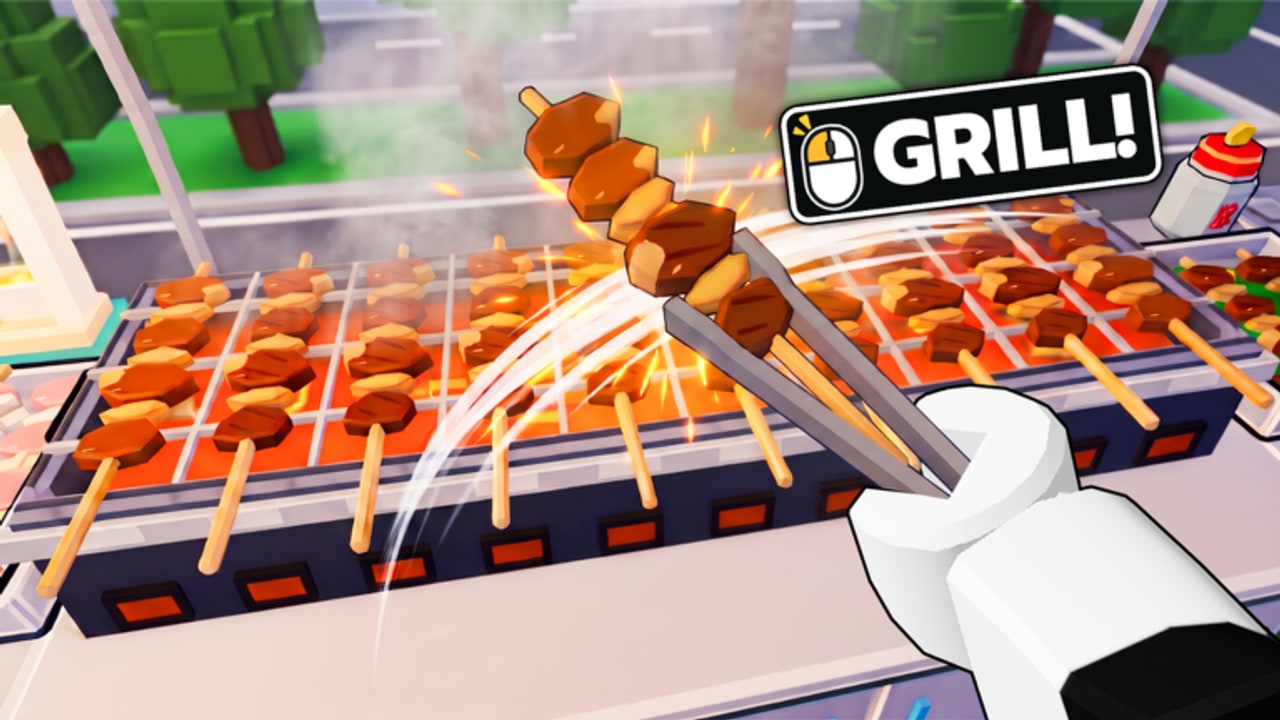
Sell Moo Ping codes are the fastest free boost for a cozy Thai street-food tycoon. Redeem them as soon as you join a server so you can grill moo ping, stack cash, and unlock upgrades without waiting on slow early sales. This hub lists every working code we track as of November 2026, explains exact redeem steps, and points you to related progression pages like the Getting Started guide and Earn Cash Fast.
Codes come from the official Roblox game description and creator promotions. Always type them carefully—some codes are case-sensitive. If a code fails, it may have expired, already been claimed on your account, or been typed with the wrong capitalization.
Working codes (November 2026)
| Code | Reward |
|---|---|
MEGA | Security Guard for 1 hour |
BUGS | 2X Money for 10 minutes |
50LIKES | 50k Cash |
COOP | Free reward (developer-listed) |
2xupdate | Free reward — lowercase x required |
ZBINGZ | 2x money for 20 minutes (creator promo; may expire) |
Redeem every code on a fresh account before you spend early cash on small upgrades. 50LIKES alone can jump-start grill and stall purchases. Timed money multipliers (BUGS, ZBINGZ) pair best with active grilling and selling, not AFK idle. MEGA gives a Security Guard window so interruptions hurt less while you expand.
How to redeem Sell Moo Ping codes
- Launch Sell Moo Ping on Roblox.
- Open the Settings menu from the in-game UI.
- Find the codes text box.
- Paste or type one code exactly as listed.
- Press Redeem and confirm the reward toast.
- Repeat for each unused code.
Do not add spaces before or after the string. 2xupdate must keep a lowercase x. If nothing happens, leave the server, rejoin, and try again once. Codes are usually one claim per account.
Best time to redeem
Redeem cash codes immediately so you can buy early grill speed and stall capacity. Save timed 2x money codes for a focused session: stock the grill, keep customers flowing, and avoid standing idle. Use MEGA when you expect interruptions or when you leave the stall briefly during co-op. Pair code cash with the upgrade order in our Tier List Hub and the deep Upgrade Priority page so you do not waste a windfall on low-impact buys.
Where to find new codes
- Official Roblox game description (Never Do Games often posts drops here)
- Group and creator community updates (PangBoyCH / Thai creator notes)
- Discord: Sell Moo Ping Discord
- This Codes Hub after major updates — check Updates when patches land
Bookmark the Roblox page and Discord. Codes can appear with like milestones, bug-fix thanks, co-op events, or creator promotions. When UPDATE-style drops arrive, redeem first, then read patch notes so you know whether multipliers stack with new systems.
Expired or inactive codes
Creator promo codes such as ZBINGZ may expire without a long warning. If a previously listed code returns an invalid message for everyone, treat it as expired and remove it from your personal checklist. We keep this page focused on currently working strings; outdated codes will move here when they stop redeeming. Never buy “code packs” from strangers—official rewards are free.
Codes and progression tips
After redeeming, follow a short loop: grill → sell → buy the next high-value upgrade → prepare for rebirth. Cash from 50LIKES should push grill speed and stall space before cosmetic purchases. During BUGS or ZBINGZ, stay at the stall, keep skewers cooking, and let helpers or auto systems (if unlocked) maximize throughput. Security Guard from MEGA protects the stall while you explore delivery, pets, or factory growth goals.
Co-op servers (up to 8 players) make timed multipliers more fun—friends can keep customers served while you manage upgrades. Offline earnings still help between sessions, but codes shine during live play. For a full early-game plan, read Getting Started, then Earn Cash Fast. For UI paths to Settings and related menus, see Controls.
Safety notes
Only redeem codes inside the official game Settings box. Never enter codes on fake websites that ask for your Roblox password. This wiki will never ask for account login details. Scripts that promise “auto redeem all codes” are unnecessary and risky—manual redeem takes seconds. Prefer official channels listed on our Official Links page.
Related pages
- How to Redeem Codes — PC and mobile Settings walkthrough
- Earn Cash Fast — spend code rewards efficiently
- Rebirth Guide — turn cash into permanent multipliers
- Upgrade Priority — what to buy first
- Tools Hub — code tracker habits and checklists
- Updates Hub — when new code drops usually appear
Stay current, redeem early, and convert free rewards into grill power, stall capacity, and rebirth momentum.
Frequently Asked Questions
Quick answers to the most common Sell Moo Ping questions.
Where do I redeem Sell Moo Ping codes?
Open Settings in-game, find the codes text box, enter the code exactly, and press Redeem. No website login is required.
Why does 2xupdate fail?
The code is case-sensitive: use lowercase x as 2xupdate. Extra spaces or capital X usually cause a failed redeem.
Do codes work on mobile and PC?
Yes. Redeem from Settings on any platform Roblox supports for Sell Moo Ping, including mobile and desktop.
Can I redeem the same code twice?
Usually no. Most promo codes are one claim per Roblox account. A second attempt typically returns already redeemed or invalid.
What should I buy after 50LIKES?
Prioritize grill speed and stall capacity, then helpers or auto cook. Follow the Upgrade Priority ranking before cosmetics.