Sell Moo Ping Pets, Helpers, and Stall Labor
Build a crew that grills and sells while you manage upgrades and rebirths.
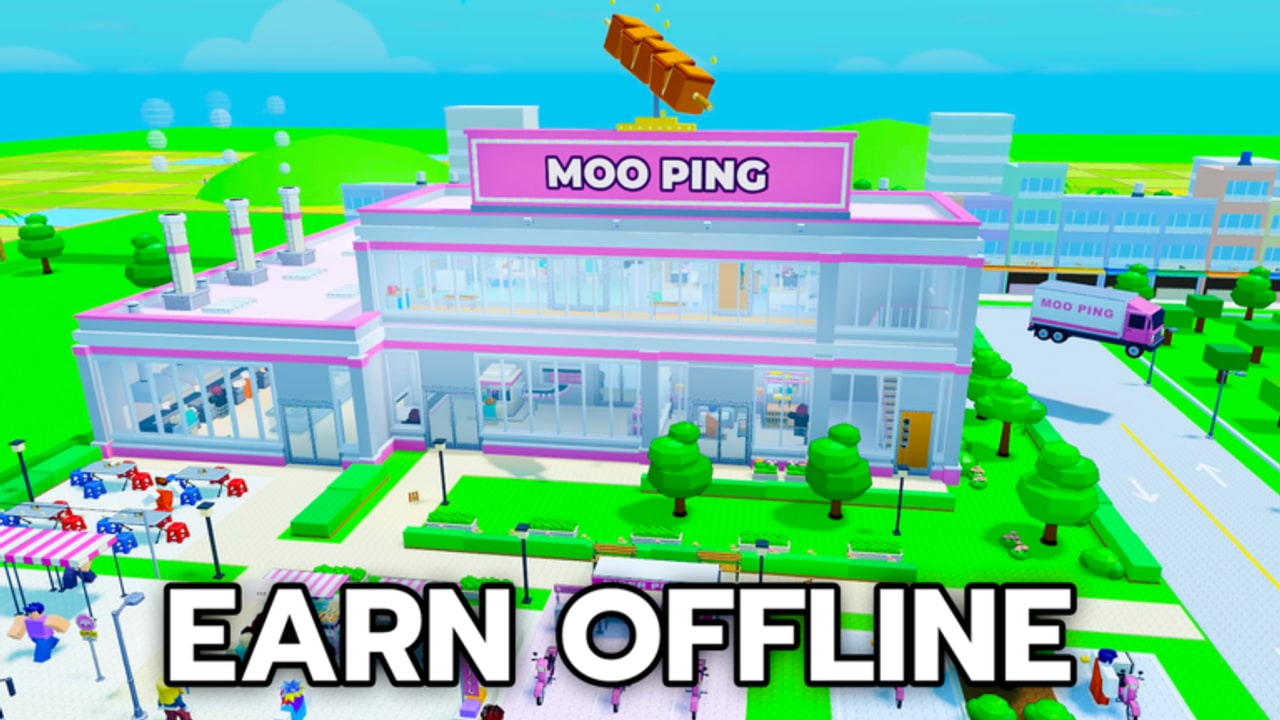
Helpers and pets are the difference between a frantic clicker and a calm manager in Sell Moo Ping. This guide explains when to hire labor, how Security Guard fits, how co-op humans compare to NPC help, and how to gear the crew for rebirth climbs.
Helpers first principles
Helpers exist to keep moo ping moving when your eyes are on menus. Unlock them after S-tier grill pads from the upgrade priority list. A helper on a weak grill wastes wages; a helper on a tuned grill prints cash for the next rebirth.
What helpers should do
- Place or tend skewers.
- Collect finished product.
- Support selling when prompts allow.
- Keep offline-adjacent uptime high while you tab out briefly.
If a helper only looks cute, treat it as C-tier cosmetics until production variants arrive.
Pets
Pets in food tycoons usually provide passive multipliers, charm, or niche bonuses. Equip production-oriented pets before fashion pets. Re-check stats after patches on Updates because Never Do Games can retune values quickly on a live Roblox title.
Security Guard
Security is not a cook — it is insurance. Interruptions during a BUGS or ZBINGZ 2× window hurt more than during idle minutes. Redeem MEGA from the Codes Hub for a free hour when you plan a focused grind or AFK-friendly helper session. Permanent security pads are B-tier: buy after helpers.
Humans vs NPC labor
Co-op (max eight players) can outperform early helpers if friends understand roles:
- Griller — maintains cook cycle.
- Seller — clears finished skewers to customers.
- Buyer — follows the tier list with code cash.
- Caller — watches Discord/Official Links for drops.
Teach newcomers via Getting Started so they do not buy decor with shared funds.
Labor and cash strategy
Timed money boosts should land when helpers are active. Claim offline earnings, top up missing labor, then start the timer — sequence covered in earn cash fast. On mobile, position yourself so helper prompts and Settings remain tappable; see controls.
Rebirth interactions
Expect many pad purchases to reset on rebirth while multipliers remain. Plan to re-hire helpers early in each rebuild; the multiplier makes their hire cost easier to earn back. Free R7 style milestones still require you to climb rebirth counts — helpers simply shorten each lap.
Scripted labor warning
Autofarm scripts try to replace helpers entirely. That can violate Roblox rules and break after patches. If you research them, read Scripts for safety context and still learn this page so you can tell whether a script’s “auto helper” toggle does anything real.
Practical hire checklist
- Own grill speed + capacity + throughput.
- Hire first production helper.
- Equip best production pet available.
- Use
MEGAduring long boost windows. - Re-hire immediately after each rebirth.
- Add delivery labor only once the core crew is stable.
Flavor and fantasy
Part of Sell Moo Ping’s charm is the Thai street-food fantasy — skewers, stall chatter, a little pig mascot energy on the Roblox page. Helpers should feel like staff in that story. Hire for delicious uptime, then decorate. Keep the Players Hub bookmarked as more pet rarities appear, and use Tools for a short pre-session crew checklist.
Frequently Asked Questions
Quick answers to the most common Sell Moo Ping questions.
Should I buy pets before helpers?
Prefer helpers that clearly cook or sell first. Pets are excellent passives but rarely replace a full helper unlock.
Does MEGA stack with helpers?
Security Guard protects the stall while helpers work — they solve different problems and combine well.
Do helpers survive rebirth?
Many pad-based hires reset. Re-hire early on each new multiplier run.
Can friends replace helpers?
Skilled co-op can, especially early. NPC helpers still help when humans are offline.
Where do I manage pets?
Use the in-game pet/helper UI after unlocks; exact icons can move after updates, so check Controls if you get lost.