How to Redeem Sell Moo Ping Codes
Open Settings, type the string exactly, claim cash and boosts without fake websites.
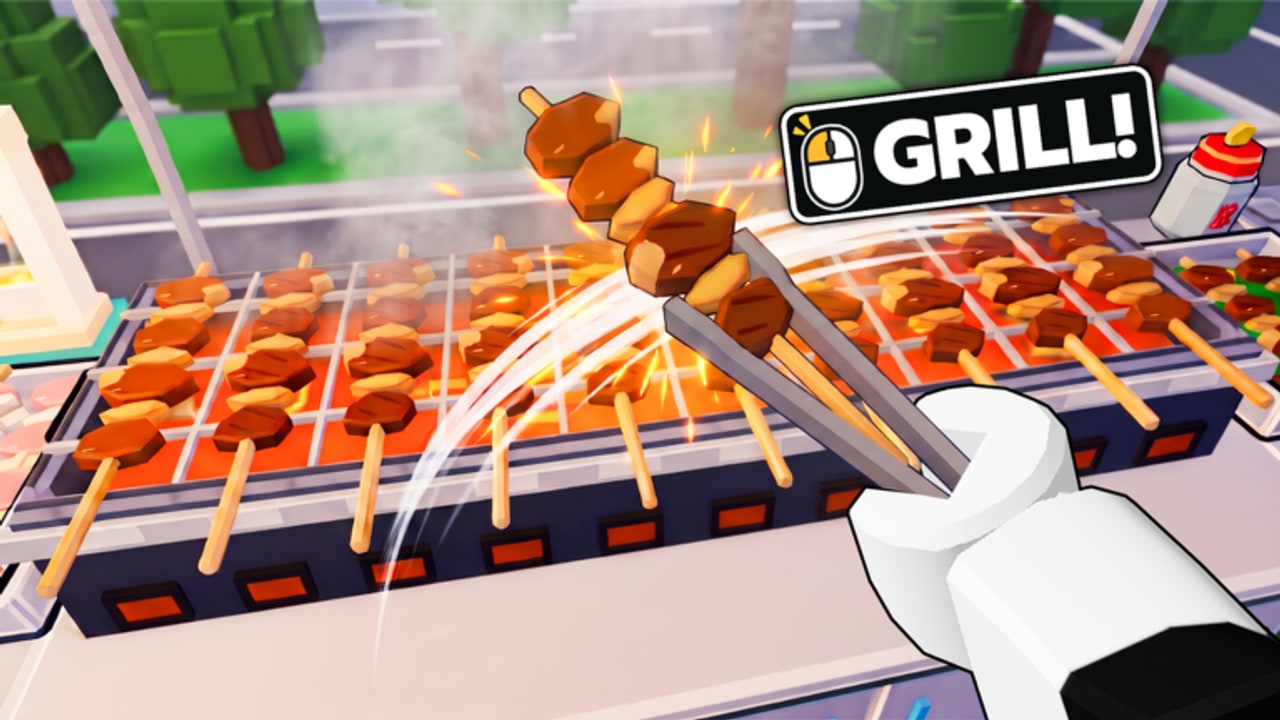
Redeeming Sell Moo Ping codes takes under a minute once you know where Settings lives. This walkthrough shows the exact in-game path on PC and mobile, explains why some strings fail, and keeps you on official Roblox UI instead of phishing sites. Pair it with the live list on the Codes Hub so you always paste current rewards.
Never Do Games posts active codes in the Roblox game description. As of late November 2026 that official block includes MEGA, COOP, BUGS, 50LIKES, and 2xupdate. Creator promos such as ZBINGZ may appear in YouTube comments and can expire faster—treat them as optional extras.
Before you start
- Launch the real experience: Sell Moo Ping on Roblox.
- Stay logged into your own account. Codes bind to the Roblox account that redeems them.
- Keep the Codes Hub open in a second tab so you can copy strings one by one.
- Do not enter codes on random websites that ask for your password or cookie. This wiki never needs your login.
PC redeem steps
- Join a server and wait until the stall UI finishes loading.
- Open Settings from the on-screen menu (gear or settings label).
- Find the Codes / redeem text field inside Settings.
- Paste or carefully type one code exactly as listed—no spaces before or after.
- Press Redeem and watch for a success toast or reward popup.
- Clear the box and redeem the next unused code.
If the Settings panel is hidden behind another menu, close Shop or Rebirth first, then reopen Settings. UI skins can move after patches; icon art may change, but the Settings name stays the reliable landmark. See Controls if you cannot find the gear on your layout.
Mobile redeem steps
- Join Sell Moo Ping on the Roblox mobile app or tablet.
- Tap the Settings control once the stall loads.
- Tap into the codes text box and paste from your clipboard if possible.
- Double-check capitalization—mobile autocorrect loves turning
2xupdateinto2Xupdate. - Tap Redeem, confirm the reward, then continue with the next code.
On small screens, rotate to landscape if the text box is hard to select. Disable autocorrect for the redeem field when a code keeps mutating.
Official codes to try first (November 2026)
| Code | Typical reward note |
|---|---|
MEGA | Security Guard for about 1 hour |
BUGS | 2× money for about 10 minutes |
50LIKES | Large cash grant (about 50k) |
COOP | Developer-listed free reward |
2xupdate | Developer-listed free reward — lowercase x required |
Creator promo ZBINGZ (2× money for about 20 minutes) may still work for some accounts; if it fails for everyone, mark it expired on your personal list.
Why a code fails
- Wrong capitalization — especially
2xupdate. - Extra spaces or invisible characters from messy copy-paste.
- Already redeemed on this Roblox account.
- Expired after a patch or creator promo window.
- Wrong game — codes only work inside Sell Moo Ping.
- Server desync — leave and rejoin, then try once more.
Failed redeem messages rarely mean the whole list is dead. Test another known-good code such as 50LIKES to confirm the Settings box still works.
Best order after a successful redeem
- Spend cash codes on grill speed and stall capacity using Upgrade Priority.
- Activate timed 2× codes only when you are ready to grill and sell actively—see Earn Cash Fast.
- Use Security Guard time from
MEGAduring expansion or co-op setup described in the Co-op Guide. - Log new drops after patches on the Updates Hub.
Safety checklist
- Redeem only inside the official Settings UI.
- Ignore Discord DMs selling “private codes” for Robux.
- Skip executors that claim to auto-redeem everything—manual entry is safer and faster.
- Confirm big economy changes on Official Links after Update-style patches.
Related pages
- Codes Hub — full working list and reward notes
- Getting Started — first-hour plan after redeeming
- Tools Hub — code tracker checklist habits
- Update 1.0 — when live-ops usually refresh codes
Redeem early in every session, then convert free rewards into throughput instead of letting cash sit idle.
Frequently Asked Questions
Quick answers to the most common Sell Moo Ping questions.
Where is the codes box in Sell Moo Ping?
Open the in-game Settings menu. The redeem text field lives there on both PC and mobile.
Do I need a website to redeem?
No. Only use the Settings box inside the Roblox experience. Never type codes on password-asking sites.
Why does 2xupdate fail on mobile?
Autocorrect often capitalizes the x. Type 2xupdate with a lowercase x and no spaces.
Can friends share one redeemed code?
No. Each Roblox account must redeem codes separately. Co-op still helps spend the rewards together.
How often should I recheck codes?
After every patch and whenever the Roblox description or Discord announces a drop. Start on the Codes Hub.