Sell Moo Ping Scripts
What tycoon automation usually offers, how players evaluate loadstrings, and how to stay safer.
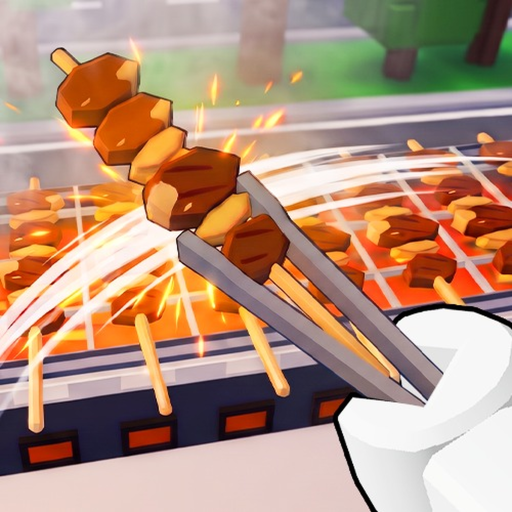
Sell Moo Ping is a new Roblox food tycoon, so dedicated scripts appear and break quickly as Never Do Games patches the experience. This hub explains the feature set players usually want, how to evaluate a script before running it, and why legitimate progress via codes and guides still matters. We do not paste unverified loadstrings here because dead links and stolen executors are common for brand-new games.
Features players search for
Community scripts for grill tycoons typically advertise:
- Auto grill / auto cook — places and collects skewers without constant tapping.
- Auto sell — moves finished moo ping to customers or sell prompts.
- Auto buy upgrades — purchases the next affordable pad in a priority list.
- Auto rebirth — confirms reset when cash and requirements are met.
- Anti-AFK — keeps the client from idling out during long farms.
- Pet/helper manage — equips production pets covered in pets and helpers.
- Server hop / rejoin — recovers from soft locks (higher ban risk on some experiences).
If a script cannot explain how it targets Sell Moo Ping remotes specifically, treat it as a generic stub.
How to evaluate a script safely
- Prefer open, readable Lua over obfuscated walls of text.
- Avoid key systems that force strange Discord OAuth or executable downloads.
- Run unknown code only in alternate accounts you can afford to lose.
- Watch Task Manager / mobile permissions for surprise payloads.
- Stop immediately if the script asks for Roblox password, cookie, or billing data.
- Re-test after every game update — rebirth and shop remotes change often.
Using executors can violate Roblox rules and risk account moderation. This wiki documents what the community discusses; it does not encourage breaking platform Terms of Use.
Script vs legit boosts
Many players get more stable gains from:
- Redeeming working codes like
MEGA,BUGS, and50LIKES. - Following earn cash fast upgrade order.
- Timing rebirths correctly.
- Playing co-op with friends instead of fully AFK clients.
Automation cannot replace understanding the economy. If you do not know which pads are S-tier, read upgrade priority before enabling auto-buy or you will bankroll cosmetics.
Practical research workflow
When you hunt a Sell Moo Ping script elsewhere:
- Search the exact experience name plus “autofarm” after each major update.
- Compare upload dates with the game’s last Roblox patch time.
- Skim comments for “patched”, “key”, or “logged” warnings.
- Keep a notepad of features you actually need instead of installing mega hubs with twenty unused toggles.
Mobile note
Most executors are PC-focused. Mobile players should rely on helpers, offline earnings, and co-op. The controls guide keeps legitimate play responsive without third-party tools.
Bottom line for this wiki
We will expand this hub with concrete feature walkthroughs as stable, widely used Sell Moo Ping scripts settle. Until then, treat automation as optional research, keep accounts safe, and push progression with codes, upgrade discipline, and rebirth planning from the rest of the wiki. Official destinations remain listed under Official Links.
Frequently Asked Questions
Quick answers to the most common Sell Moo Ping questions.
Are there official Sell Moo Ping scripts?
No. Never Do Games does not publish exploit scripts. Anything you find is third-party and may break or violate Roblox rules.
Why does this page not paste a loadstring?
The game is new and scripts patch weekly. Publishing stale loadstrings causes more account risk than help.
What features matter most?
Auto cook, auto sell, smart upgrade buying, and safe anti-AFK. Auto rebirth is optional until you understand multipliers.
Can scripts ban my account?
Executors and automation can lead to moderation. Use alt accounts if you experiment and never share cookies or passwords.
What should I do instead of scripting?
Redeem codes, follow the cash and rebirth guides, unlock helpers, and play co-op for faster legitimate progress.